PDF guide
How to Sign a PDF Without Acrobat
Add a visible signature to a PDF without Acrobat, choose a safe method for your device, and understand when a digital certificate is required.
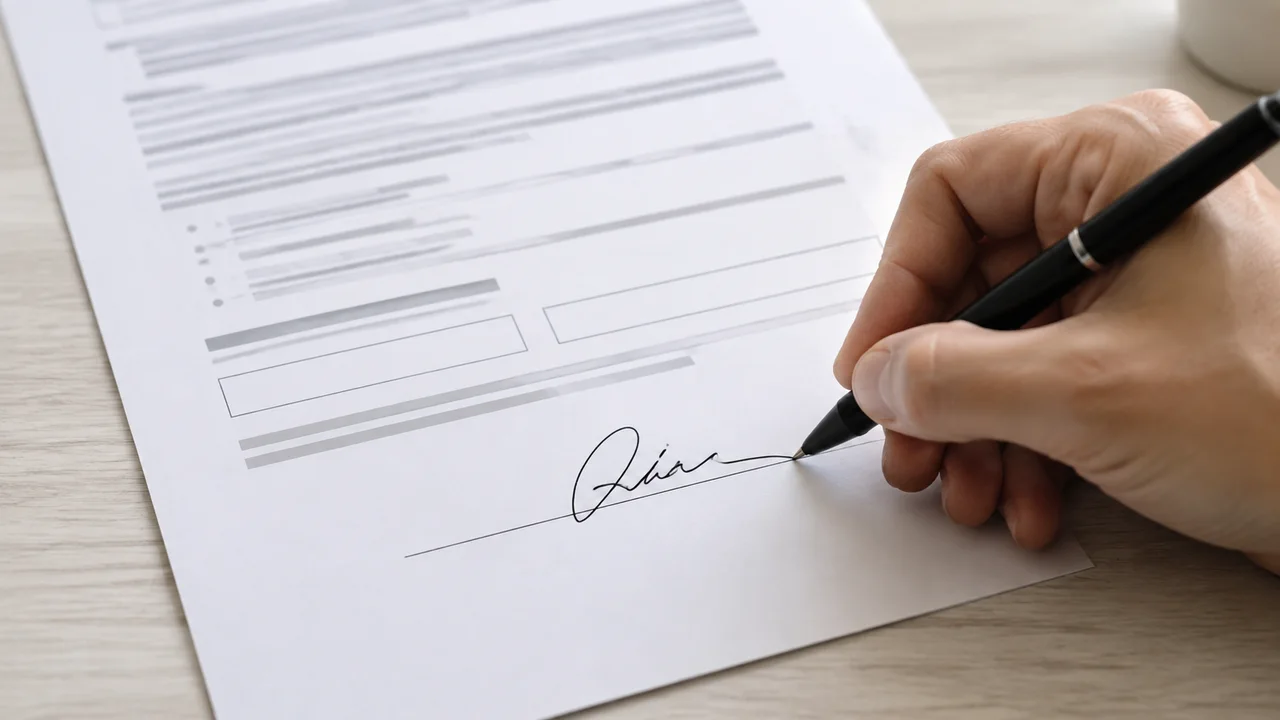
First decide what kind of PDF signature you need
A visible signature is a typed name, drawing, or image placed on the page. It may be acceptable for routine approvals when the recipient agrees to that method. A digital signature uses a certificate to verify identity and reveal later document changes.
Do not assume that a pasted signature image meets a legal, regulatory, or company requirement. Ask the recipient which signature type and audit trail they accept before you edit the PDF.
EditPDFly can draw, type, or upload a visible signature and place it on a PDF page. It does not create certificate-backed digital signatures, and editing can invalidate existing signatures.
Add signature to PDFMethod 1: Sign with Preview on an Apple device
Preview on supported Apple devices can fill PDF forms and create or place a signature. Open a copy of the PDF, choose the form-filling or markup tools, add the signature, and position it inside the intended signature area.
Save under a new name, reopen the file, and zoom in to confirm the mark is not clipped. Keep the unsigned source in case the recipient asks for a different signing workflow.
- Open a copy of the PDF in Preview.
- Choose the form-filling or markup controls.
- Create or select a signature and place it on the page.
- Save, reopen, and inspect the signed copy.
Method 2: Use a browser or phone PDF signing service
A signing service can add identity checks, timestamps, signer invitations, and an audit trail. That is a better fit when several people must sign or when the recipient requires evidence beyond a visible mark.
Check the service's privacy terms, retention period, account requirement, and certificate details before uploading confidential files. Download the completed document and the audit record if one is provided.
Method 3: Add a visible signature in EditPDFly
If the recipient accepts a simple visible signature, open the dedicated EditPDFly signing tool. Draw with a mouse or touch input, type your name, or upload a signature image, then click the correct page to place and resize the mark.
This creates a visible page mark, not a cryptographic signature. The workflow runs in your browser and downloads a new PDF without a watermark. Existing digital signatures may be invalidated, so use this route only when those limits fit the task.
- Open the Add Signature to PDF tool.
- Draw, type, or upload the visible signature.
- Place and resize it inside the signature area.
- Download the signed PDF and reopen it for review.
Protect your signature and the finished PDF
A signature image can be copied like any other image, so do not leave it in a shared downloads folder. Store it securely, delete unnecessary copies, and avoid using the same image where a verified signing process is expected.
Before sending the file, confirm the signer name, date, page number, visible mark, and final filename. Send only the reviewed copy and retain the original according to your own records policy.
Which PDF signing method should you choose?
The important distinction is not Acrobat versus no Acrobat. It is visible approval versus verified digital signing.
| Method | Best for | Account or install | Verification |
|---|---|---|---|
| Apple Preview | Personal device forms | Built in | Visible signature |
| Signing service | Multi-party or audited signing | Often an account | May include identity and audit trail |
| EditPDFly signing tool | Accepted visible mark | No account | No certificate or audit trail |
Frequently asked questions
Can I sign a PDF without Adobe Acrobat for free?
Yes, if a visible signature is acceptable. Built-in device tools or a signature image can work. Requirements involving identity verification or audit trails need a suitable signing service.
Is a drawn signature the same as a digital signature?
No. A drawing is a visible mark. A digital signature uses a certificate and can show whether the document changed after signing.
Can I type my name instead of drawing a signature?
Sometimes, if the receiving party accepts an electronic typed signature. Confirm their requirements before relying on it.
Will editing a PDF preserve its existing digital signature?
Usually not. Changing document content alters the signed state. EditPDFly explicitly does not preserve existing digital signatures.
Official references checked
Product features change. These first-party guides were checked while preparing this article: